Introduction
This guide assumes that either the SmartKey Starter® (SKS906CRV or SKSNG906RV) or high idle control module (SMRTIDLE®) is installed correctly.
Use this guide for OBD programming.
-
-
Insert key and turn to 2nd position (ignition on)
-
Verify that ignition is on by confirming that warning lights are illuminated on instrument cluster
-
-
-
Turn ignition off
-
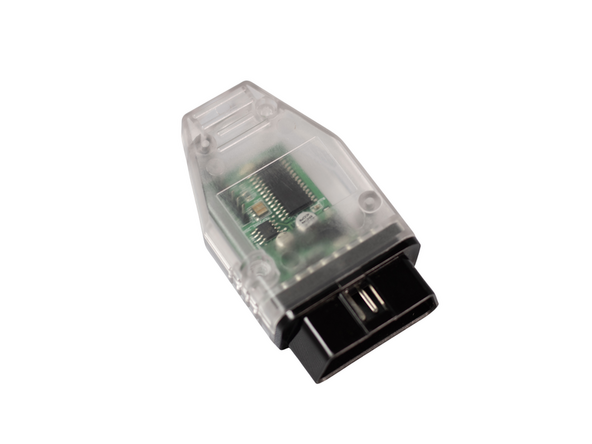
Plug OBD programmer into OBD port
-
Steps 2 and 3 should be completed in under 10 seconds. If too much time elapses, the programming may not work
-
-
-
Insert key and turn to 2nd position
-
LED inside OBD programmer case (observable through hole at end of case facing in floor) should turn on
-
After programming is complete, LED on programmer will turn off
-
If LED is off and you have not seen it turn on, it likely has already programmer (programming can happen within seconds of turning ignition on)
-
-
-
Turn ignition off and remove OBD programmer
-
DO NOT START ENGINE OR DRIVE VEHICLE WITH OBD PROGRAMMER PLUGGED IN
-
-
-
High idle operation depends on what application is being used
-
To check high idle operation using remote start (paired with SKS906CRV), remote start vehicle. After vehicle has remote started, the high idle should engage.
-
For standalone high idle operation, click here
-
