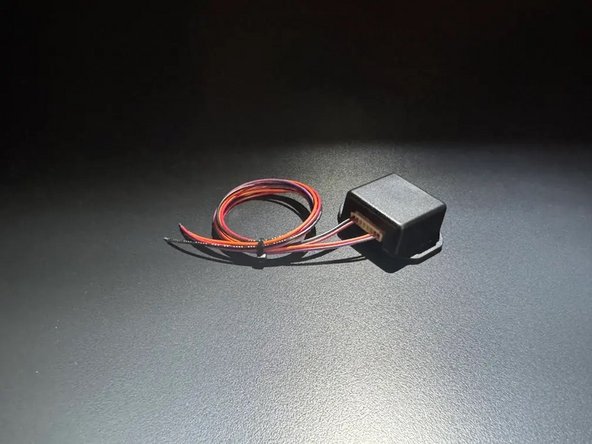
Introduction
ModeLock is designed to save Porsche Drive Mode settings
If you have any questions, please call Mid City Engineering at 312-421-1114 or email sales@midcityengineering.com
-
-
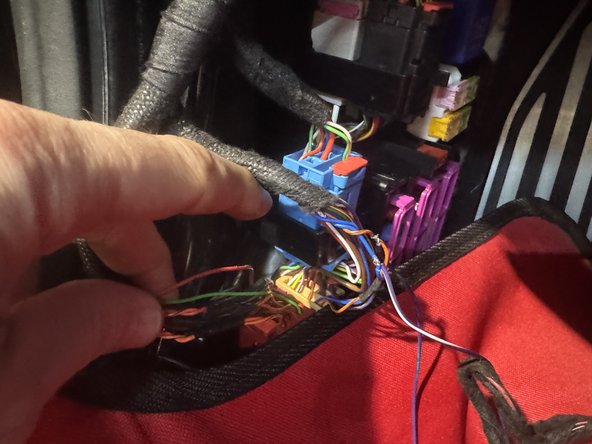
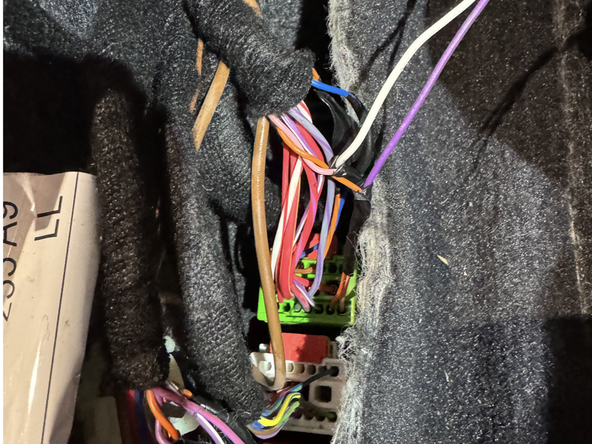
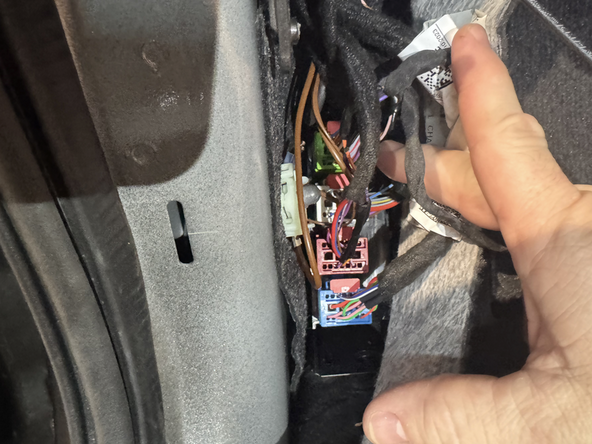
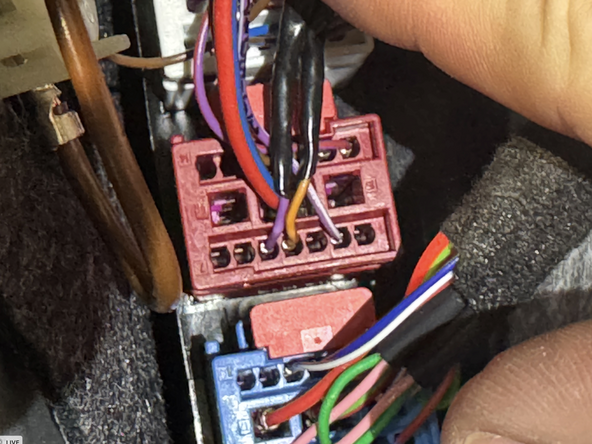
Locate plugs in driver side under dash. In a red or tan plug there will be a twisted pair of orange/brown and purple or orange/brown and blue wires
-
CAN Low is orange/brown
-
CAN High is purple or blue
-
-
-
Connect orange (CAN Low) wire from ModeLock harness to OEM orange/brown (CAN low) wire
-
Connect purple (CAN high) wire from ModeLock harness to OEM purple or blue (CAN high) wire
-
Solder and insulate all connections
-
-
-
Locate ignition power wire at OBD plug. Connect red wire from ModeLock harness to 12V ignition power
-
Locate ground at OBD plug. Connect black wire from ModeLock harness to chassis ground
-
Solder and insulate all connections
-
-
-
Securely mount ModeLock module away from any moving parts or heat sources
-
-
-
To use ModeLock, simply set Drive Mode parameters to desired settings. Settings applied before shutting off vehicle will be retained when vehicle is restarted
-